
Ghost Mannequin Photography: Get the Look With AI
Ghost Mannequin Photography: The Quick Answer
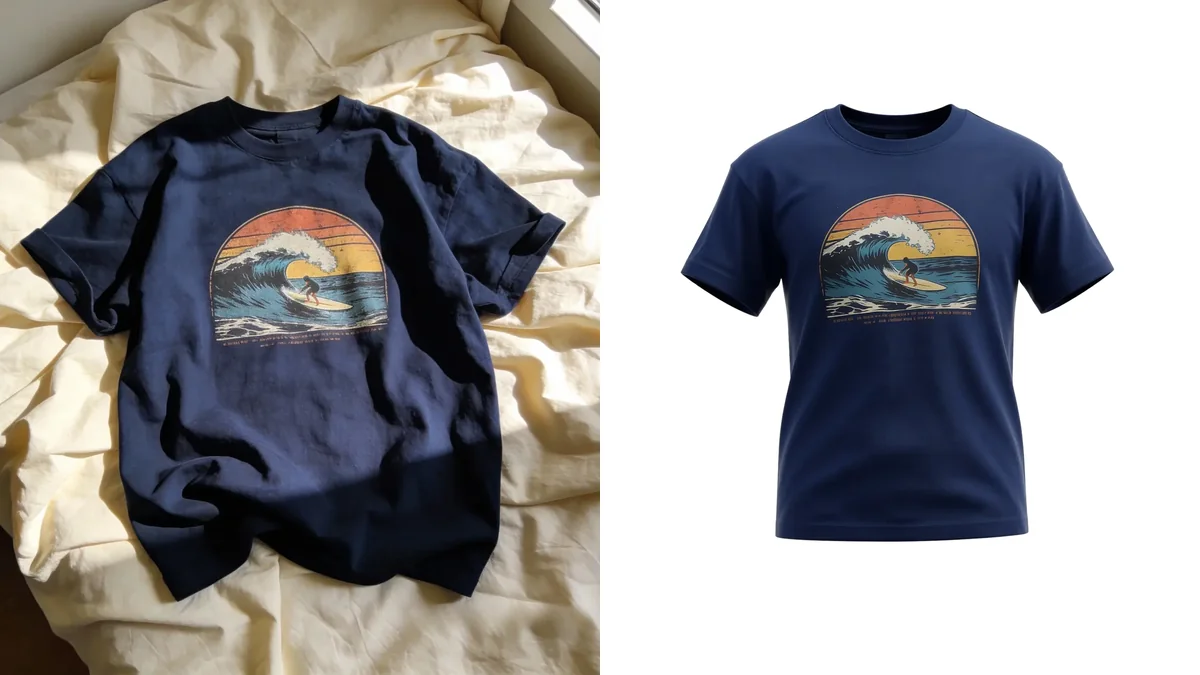
Ghost mannequin photography (also called the invisible mannequin effect) is a product photo where a piece of clothing holds its full, worn shape, but there is no body inside it. You can see the shoulders, the chest, and right through the hollow neckline. It is the clean, floating look you see on almost every major fashion store.
For anyone selling clothes online, this matters more than almost anything else. On visual marketplaces, the cover photo decides whether a shopper taps your listing at all. A flat, wrinkled phone snapshot gets scrolled past. A crisp, professional shot gets the click.
The good news: you no longer need a mannequin, a studio, or Photoshop to get that look. Below is exactly what the effect is, why it sells, and how to get it from a single phone photo using AI.
What Is the Ghost Mannequin Effect?
The ghost mannequin effect shows a garment exactly as it looks when worn, but with the wearer digitally removed. The result keeps three things that flat photos lose:
- Real 3D shape of the shoulders, sleeves, and body
- A hollow, open neckline that shows the inside of the collar
- A clean, distraction-free background so the product is the only focus
That hollow neckline is the signature detail. It tells shoppers two things at once: this is a real garment with real structure, and nothing is hiding the fit. That is why it became the default standard across fashion e-commerce.
The job of a product photo is to answer one silent question in the shopper's head: "What will this actually look like?" Ghost mannequin photography answers it without a model and without clutter.
Why Sellers Care So Much About Photos
If you sell on Poshmark, Depop, Vinted, eBay, or Etsy, your photos are not documentation. They are the storefront. These are visual-first platforms where listings compete side by side as small thumbnails, and the picture is doing almost all of the selling before anyone reads a word.
Experienced resellers say the same thing over and over: upgrading photo quality is the single change that most improves how fast and how high items sell. It is not the description, the price, or the hashtags first. It is the image.
A few things are widely accepted as best practice on these platforms:
- Clean, light backgrounds are the standard and instantly lift a listing above messy competition.
- The cover (first) photo carries the most weight, because it is what shoppers judge in the feed.
- Listings that look professional read as more trustworthy, which supports both the click and the price.
This is the whole reason the ghost mannequin look spread. It delivers a professional, fit-revealing cover image that works on every platform.
The Traditional Way (and Why It Is a Pain)
The classic ghost mannequin technique is genuinely good, but it is slow and technical. The standard process looks like this:
- Dress a mannequin in the garment and shoot the front.
- Remove the garment, then photograph the inside of the back neck separately.
- Composite the two images in Photoshop, masking out the mannequin and stitching the inside-neck shot into the hollow opening.
- Clean up the edges, balance the color, and drop it onto a white background.
To do this well you need a mannequin, consistent lighting, and real photo-editing skill. For a small seller listing 20 or 30 items a week, that is hours of work per batch, or a recurring bill if you outsource it. It is the right tool for a brand with a studio. It is overkill for one person clearing out a closet or running a side shop.
The New Way: AI Product Photography
This is where things changed. AI product photography tools can now take an ordinary photo and rebuild it into a clean, professional product image, no mannequin and no editing required.
The workflow is almost the opposite of the traditional one:
- Lay the garment flat (or on a hanger) on a tidy surface and take one clear phone photo.
- Upload it to an AI tool such as Klodsy's Studio Shot.
- Get back a polished, studio-style product image ready to list.
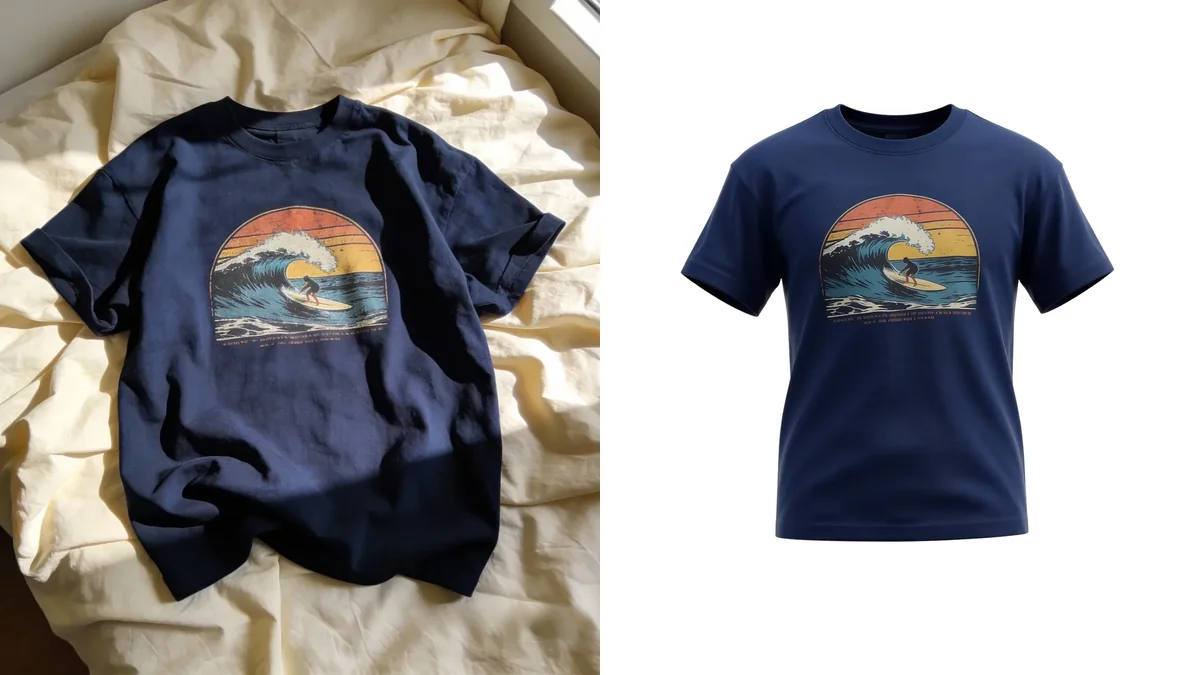
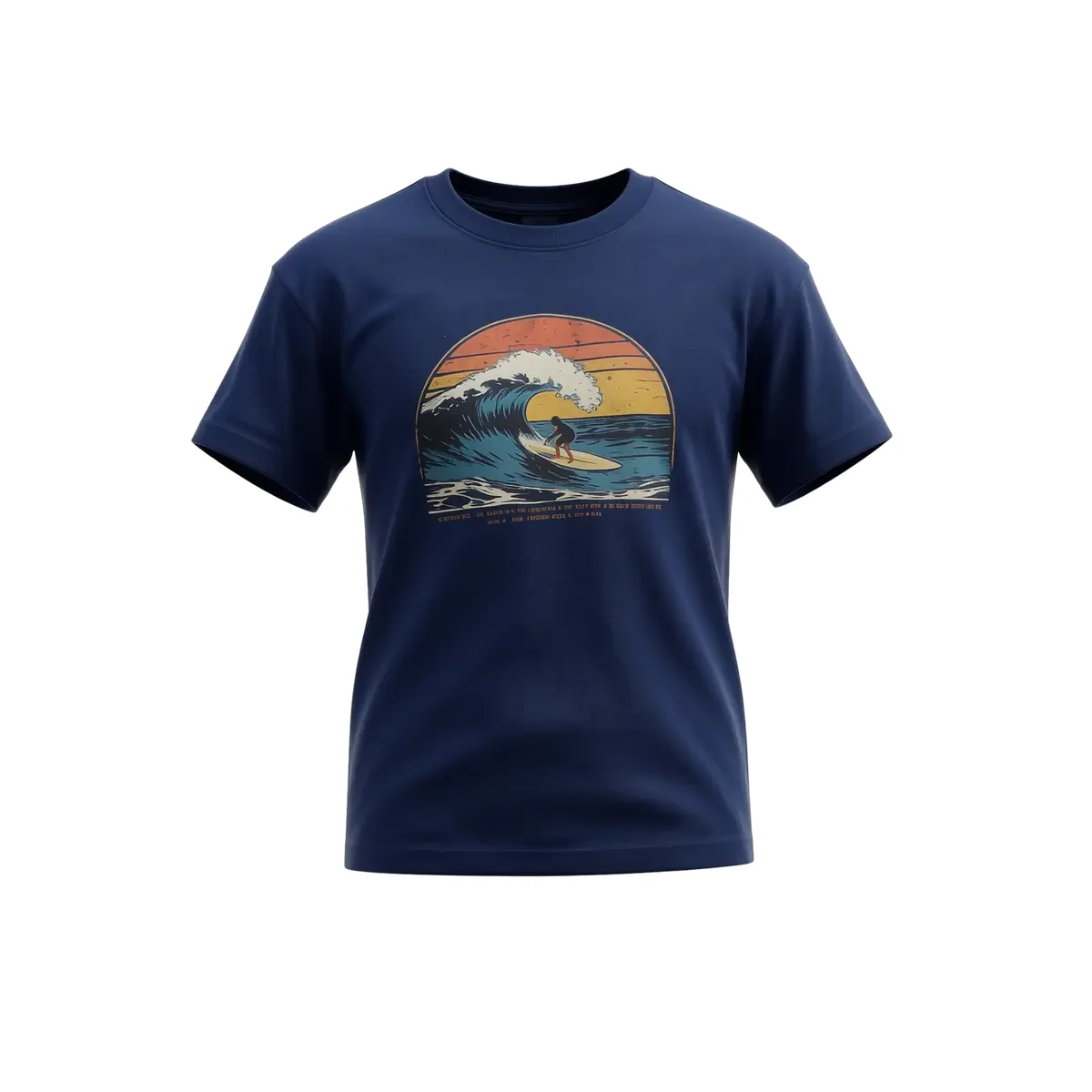
You skip the mannequin, the two-shot setup, the studio lighting, and the Photoshop masking. The result is the same goal the ghost mannequin effect was always chasing: a clean, professional, fit-revealing image that makes your listing look like a real store.
Before and After
The difference is the entire point. Here is a typical "before": a real item, shot on a bed by a window, the way most listings actually start.
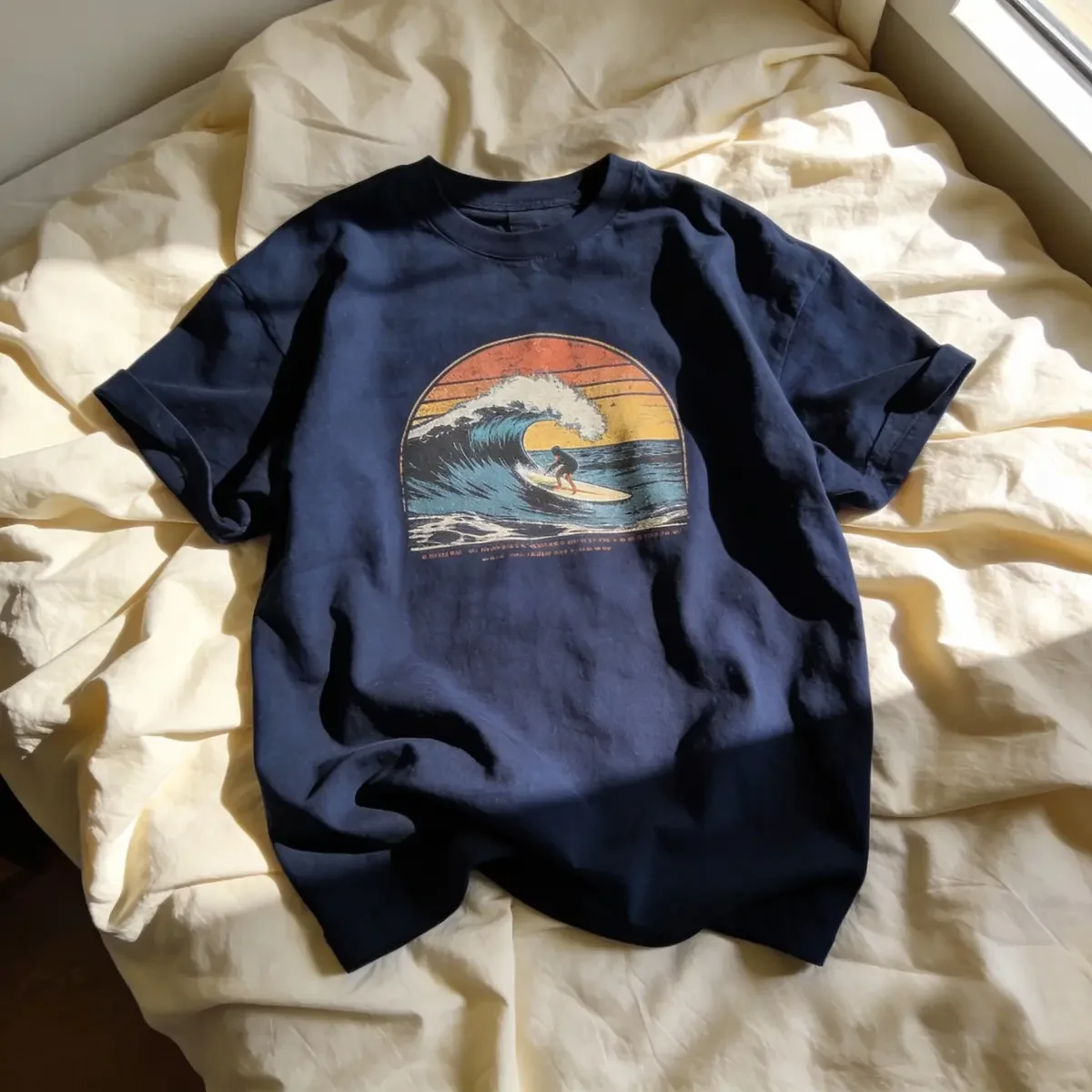
It is not a bad photo. It is just an ordinary one, and ordinary gets scrolled past. The "after" above is the same shirt presented like a catalog product. Same garment, completely different first impression.
How to Get the Look: Step by Step
You can get a clean, professional product image in a few minutes.
1. Prep the garment. Lay it flat and smooth out the wrinkles. Wrinkles are the number one thing that makes a listing look amateur, and AI works best with a clean starting shape.
2. Use even, soft light. Natural light from a window is ideal. Avoid harsh direct sun, which blows out color and texture. You want the true color of the fabric to show.
3. Shoot straight down (or straight on). A flat-lay from directly above, or a hanger shot square to the wall, gives the AI a clean, undistorted shape to work from.
4. Keep the background simple. A white sheet, a poster board, or any plain, light surface. The cleaner the input, the cleaner the output.
5. Run it through the AI. Upload the photo to Studio Shot and let it rebuild the image into a professional product shot.
6. Use it as your cover photo. Lead with the clean shot, then add detail photos (tags, fabric, any flaws) so your listing is both attractive and honest.
Ghost Mannequin vs Flat-Lay vs On-Model
There is no single "best" photo type. Each does a different job, and the strongest listings often combine them.
| Photo type | Strength | Best used as |
|---|---|---|
| Ghost mannequin / studio shot | Shows real shape and fit, looks professional | Cover photo |
| Flat-lay | Fast, clean, easy to shoot | Quick listings, secondary angle |
| On-model | Shows drape and styling on a body | Lifestyle or extra context |
| Detail shots | Builds trust, shows condition | Always include alongside the cover |
For most resellers, the winning formula is simple: a clean professional cover image, followed by honest detail shots. The cover earns the click. The details earn the sale.
Where This Helps Most
The clean product look pays off on every visual-first channel:
- Poshmark and Depop: the cover image is everything in a crowded feed.
- Vinted and eBay: professional photos signal a serious seller and support higher prices.
- Etsy and Shopify: consistent, catalog-style images make a small shop look established.
If you are building a small fashion business or reselling at volume, consistency is its own advantage. When every listing has the same clean, professional look, your whole shop reads as trustworthy, and trust is what turns browsers into buyers.
If you are also exploring how AI fits into selling clothing more broadly, it is worth reading why fashion sellers are moving to virtual models and the best photo tips for AI clothing images.
Common Mistakes That Make Listing Photos Look Cheap
Even with the right tool, a few habits quietly cost sellers clicks. Watch for these:
- Listing wrinkled garments. Creases are the fastest way to look amateur. Smooth the item before you shoot, every time.
- Dark or busy backgrounds. A cluttered bed or a dim room pulls attention off the product. Keep it light and plain.
- Inconsistent color. Shooting under yellow indoor bulbs shifts the true color of the fabric, which leads to disappointed buyers and returns. Favor soft, neutral light.
- Only one photo. A great cover earns the click, but shoppers want angles and detail before they buy. Always add more.
- Hiding flaws. A polished cover image should never mean a dishonest listing. Show pilling, stains, or wear in your detail shots so the item arrives as expected and your reviews stay clean.
- Treating every photo as the cover. Decide which single image leads. That one shot is doing most of the selling, so make it your cleanest, most professional frame.
Fix these and your listings will already look more trustworthy than most of the feed, before you change a single word of the description.
The Bottom Line
The ghost mannequin effect earned its place as the e-commerce standard because it answers the only question shoppers really have: how will this look? For years, getting it meant a mannequin, careful lighting, and Photoshop skill.
That barrier is gone. With AI product photography, a single phone photo becomes a clean, professional product image, the same result that used to take a studio. For anyone selling clothes online, that is the easiest, highest-impact upgrade you can make.
Ready to turn your phone photos into store-quality images? Try Klodsy's Studio Shot and give every listing a professional cover.
Related Articles
AI Product Photography for Clothing (2026 Guide)
Turn phone photos into clean, studio-quality images with AI product photography. A practical guide for clothing sellers, no studio or editing needed.
Virtual Models: Why Fashion Sellers Need AI Try-On
Discover how virtual try-on technology eliminates the need for expensive model photography in fashion e-commerce. Learn how AI models increase sales, reduce costs, and help sellers prepare products faster.
Frequently Asked Questions
Everything you need to know about this topic
Ghost mannequin photography, also called the invisible mannequin effect, is a product photo where a garment keeps its full three-dimensional shape as if someone is wearing it, but the body and mannequin are removed so the neckline and inside of the collar show through. It is the standard look you see on most fashion e-commerce stores because it shows fit and shape cleanly on a white background.