
AI Product Photography for Clothing (2026 Guide)
AI Product Photography for Clothing: The Quick Answer
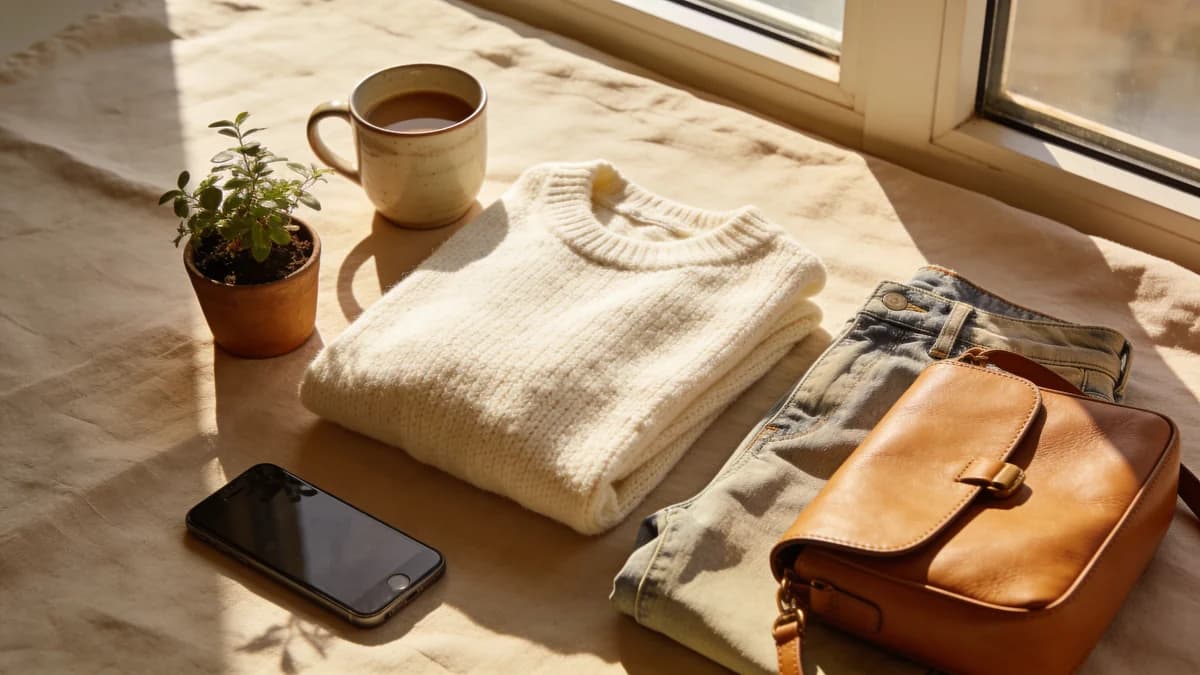
AI product photography turns an ordinary photo of a garment into a clean, professional, studio-style image, with no studio, photographer, or editing skills required. You take one clear phone photo, run it through an AI tool, and get back an image that looks like it belongs in a real online store.
For anyone selling clothes online, this solves the most expensive and time-consuming part of listing: getting photos that actually look professional. Below is what AI product photography is, what it can do for clothing, and exactly how to use it.
What Is AI Product Photography?
AI product photography is the use of artificial intelligence to generate or clean up product images automatically. Instead of building a photo set, you give the AI a starting photo and it produces a polished result: a clean background, even lighting, and a presentation that looks intentional rather than improvised.
For clothing specifically, that usually means:
- Removing a messy background and replacing it with a clean, light one
- Evening out lighting so the true color and texture of the fabric show
- Presenting the garment in a tidy, professional, catalog-style frame
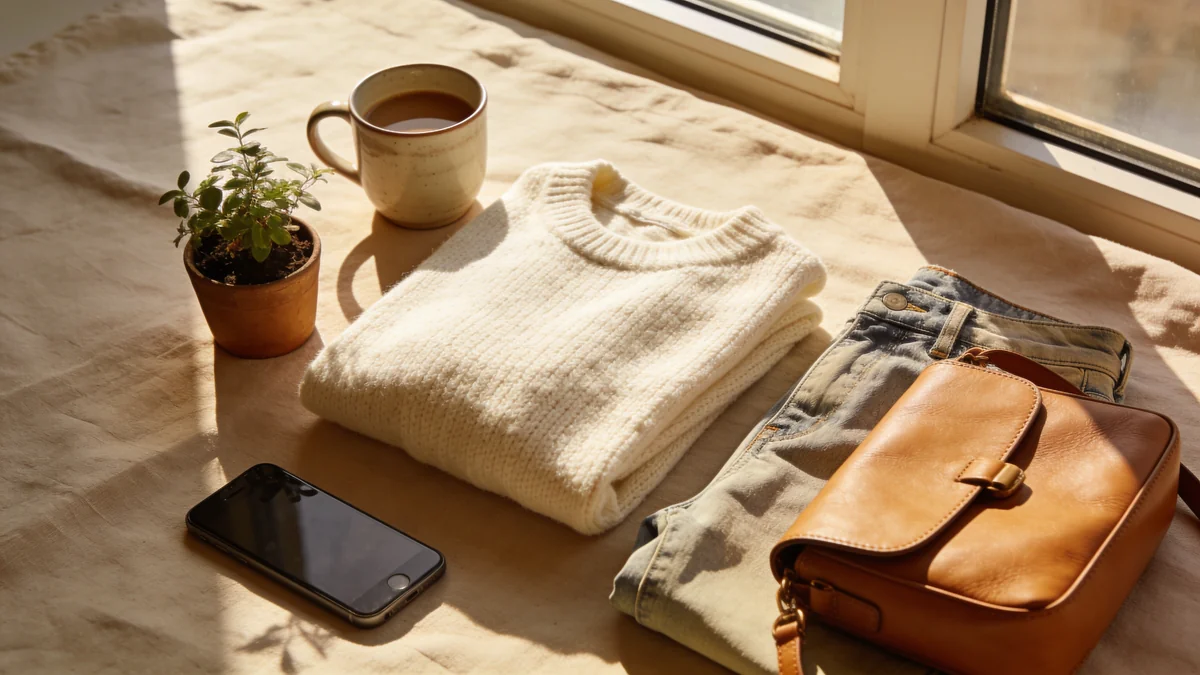
The result is the kind of image shoppers expect from a store, produced from the kind of photo you can take on a bed by a window.
Why This Matters So Much for Clothing Sellers
If you sell on Poshmark, Depop, Vinted, eBay, or Etsy, your photos are the store. These are visual-first marketplaces where listings compete as small thumbnails, and the image does almost all of the selling before anyone reads the title or price.
Experienced resellers say the same thing repeatedly: improving photo quality is the single change that most increases how fast and how high items sell. It comes before the description, before pricing tricks, before hashtags. The picture earns the click, and the click is everything.
A few things are widely treated as best practice across these platforms:
- Clean, light backgrounds are the standard and lift a listing above messy competition.
- The first (cover) photo carries the most weight, because it is what shoppers judge in the feed.
- Professional-looking images read as more trustworthy, which supports both the click and the price.
The catch has always been that producing those images took real equipment, time, and skill. AI product photography removes that barrier.
The Old Way vs the AI Way
Traditional product photography for a clothing shop looks like this: set up lighting, shoot each item, then edit every photo to clean the background and balance color. To do it well you need gear, a consistent setup, and editing skill, or you pay someone who has all three. For a seller listing dozens of items a week, that is hours of work per batch or a recurring bill.
AI product photography flips the process:
- Take one clear phone photo of the garment on a tidy background.
- Upload it to an AI tool such as Klodsy's Studio Shot.
- Get back a clean, professional product image ready to list.
No studio rental, no lighting rig, no editing software, and no waiting days per item. The same goal, reached in a fraction of the time.
What AI Product Photography Can Do for Clothing
It is more than just a background swap. A good AI tool can give you several professional looks from a single flat photo:
- Clean studio backgrounds. Replace a cluttered room with a plain, light backdrop that puts the focus on the product.
- Consistent presentation. When every listing has the same clean style, your whole shop looks established and trustworthy.
- The ghost mannequin look. AI can present a garment with a worn, three-dimensional shape and a hollow neckline, the invisible-mannequin effect, with no mannequin and no manual editing. We cover this in detail in our guide to ghost mannequin photography.
- Speed at volume. Because each image starts from a quick phone photo, you can prepare a whole batch of listings in the time a traditional shoot would take for one or two.
One Consistent Look Across Your Whole Shop
The real payoff shows up across your catalog. When every item gets the same clean, studio-style treatment, your listings stop looking like a random camera roll and start looking like a real store.
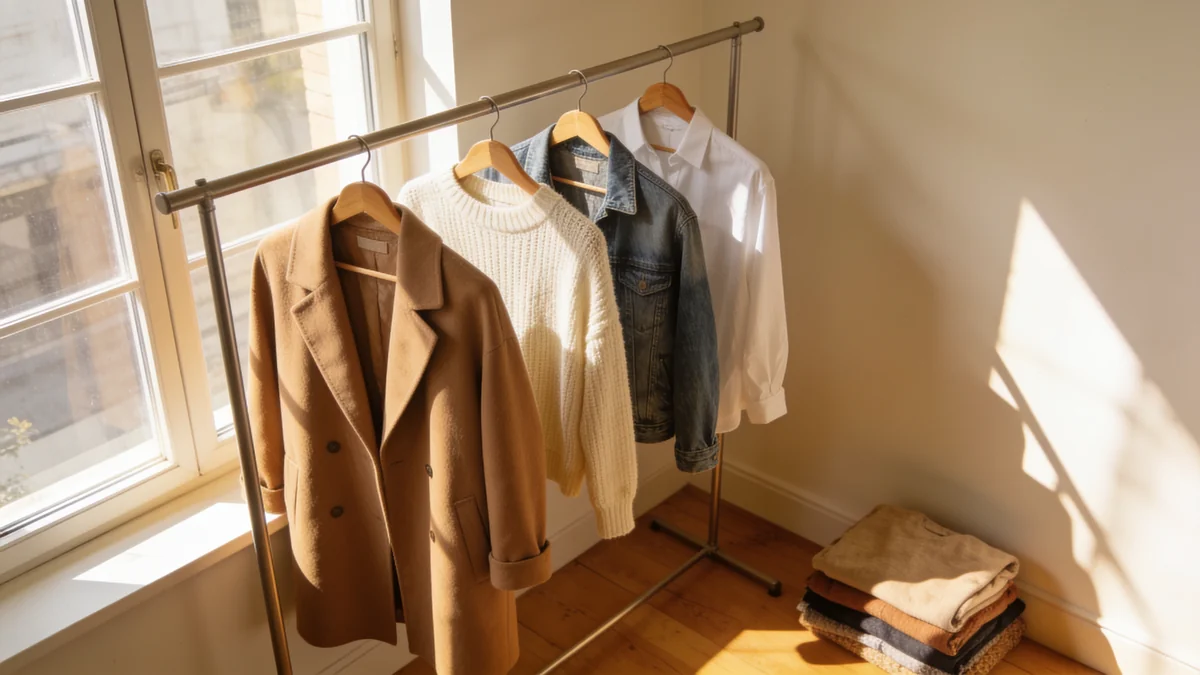
That consistency is what makes a small shop feel established. A shopper who lands on one tidy listing and sees the rest of your shop match it builds trust faster, and trust is what closes the sale.
How to Use It: Step by Step
You can get a professional product image in a few minutes.
1. Prep the garment. Lay it flat and smooth out wrinkles. Creases are the fastest way to look amateur, and clean fabric gives the AI a better starting point.
2. Use soft, even light. Natural light from a window is ideal. Avoid harsh direct sun, which blows out color and hides texture.
3. Shoot straight on. A flat-lay from directly above, or a hanger shot square to the wall, gives the AI a clean, undistorted shape to work from.
4. Keep the background simple. A white sheet, a poster board, or any plain light surface. The cleaner the input, the cleaner the output.
5. Run it through the AI. Upload the photo to Studio Shot and let it produce the polished image.
6. Lead with the clean shot. Use the professional image as your cover, then add honest detail photos so the listing is both attractive and accurate.
AI vs Traditional Product Photography
There is no single right answer, but for most sellers the trade-offs are clear.
| AI product photography | Traditional photography | |
|---|---|---|
| Cost per item | Low, app-based | Studio, gear, or editor fees |
| Time per item | Minutes | Hours, plus editing |
| Skill needed | A clear phone photo | Shooting and editing skill |
| Consistency | Easy to keep uniform | Depends on the setup |
| Best for | Resale, small shops, volume | High-end campaigns |
For resale and small fashion businesses, AI wins on the metrics that matter day to day: cost, speed, and consistency.
Where This Helps Most
Clean, professional images pay off on every visual-first channel:
- Poshmark and Depop: the cover photo decides whether shoppers tap your listing.
- Vinted and eBay: professional images signal a serious seller and support higher prices.
- Etsy and Shopify: consistent, catalog-style photos make a small shop look established.
If you are building a fashion business or reselling at volume, that consistency compounds. When every item looks like it came from a real store, the whole shop earns more trust, and trust is what turns browsers into buyers.
For related reading, see how sellers use virtual models instead of photoshoots and the best photo tips for AI clothing images.
Keep It Honest: Polish, Don't Deceive
A clean AI image should make your product look its best, not pretend it is something it is not. The sellers who win long term use AI to remove the excuses, the bad lighting and messy background, while staying completely honest about the item itself.
A simple rule keeps you on the right side of this:
- Use the AI image as your cover to earn the click. This is where a clean, professional look does its job.
- Show the real condition in your detail shots. Photograph any pilling, stains, fading, or wear up close, in normal light, so buyers know exactly what arrives.
- Keep colors true. If a garment is washed-out olive, do not let an edit push it to bright green. Accurate color prevents disappointed buyers and returns.
Done this way, AI product photography helps both sides. Shoppers get a clear, attractive first impression and an honest second look, and you get faster sales with fewer returns and better reviews. A polished listing and an honest listing are not opposites. The best sellers do both at once.
The Bottom Line
For years, professional product photos meant equipment, time, and editing skill that most sellers did not have. AI product photography removes that barrier: a single phone photo becomes a clean, store-quality image in minutes.
For anyone selling clothes online, it is the highest-impact, lowest-effort upgrade available, because better photos are the one change that most reliably improves your listings.
Ready to turn your phone photos into store-quality images? Try Klodsy's Studio Shot and give every listing a professional look.
Related Articles
Ghost Mannequin Photography: Get the Look With AI
Ghost mannequin photography makes clothing look worn with no body inside. See how to get the invisible mannequin effect from one phone photo with AI.
Virtual Models: Why Fashion Sellers Need AI Try-On
Discover how virtual try-on technology eliminates the need for expensive model photography in fashion e-commerce. Learn how AI models increase sales, reduce costs, and help sellers prepare products faster.
Frequently Asked Questions
Everything you need to know about this topic
AI product photography uses artificial intelligence to turn an ordinary photo of a product into a clean, professional studio-style image. For clothing, that means uploading a plain phone photo of a garment and getting back a polished image with a clean background and even lighting, without a real studio, photographer, or editing software.