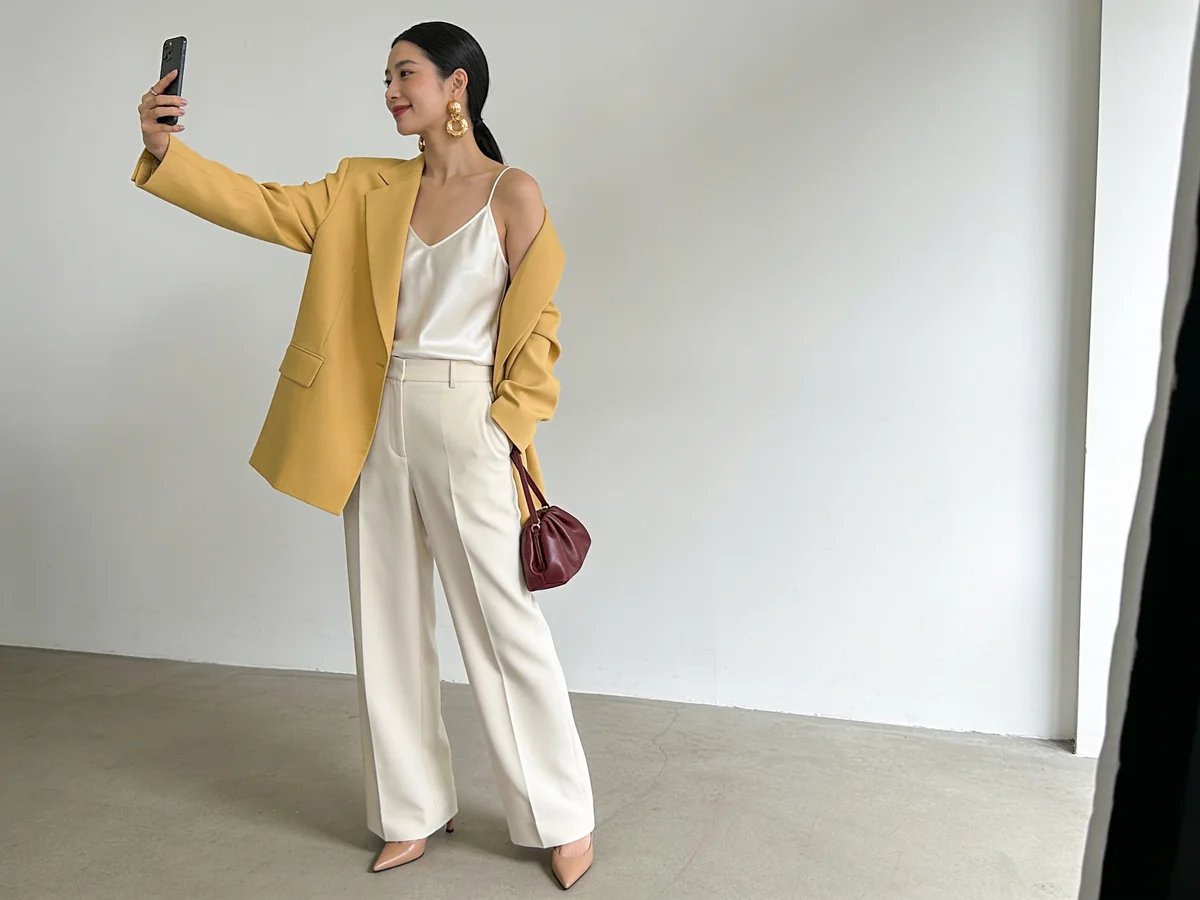
What it does
Generate polished outfit photos and try-on content that looks ready for Instagram, TikTok, or any platform, all from your phone.
From stylish outfit posts to creator-inspired looks, Influencer Mode turns your wardrobe into content without a photoshoot.
This matters beyond just aesthetics. For small creators, consistent visual quality is one of the hardest things to maintain without a team. Influencer Mode levels the field by giving anyone the output quality of a styled shoot, using only their phone and the clothes they already have.
Why it helps
The gap between a casual phone photo and a polished content image has historically required significant resources to close: a photographer, a location, good equipment, editing time. That gap is not just cosmetic. On platforms where visual quality signals professionalism and effort, it affects how content performs and how an account is perceived. Influencer Mode removes the production barrier without removing the quality.
Consistency is the other challenge. A creator who can produce one great post but cannot sustain that quality across weeks and months struggles to build momentum. Influencer Mode makes consistency achievable because the output quality is built into the process, not dependent on finding the right moment, the right light, or the right helper on any given day.
For small fashion businesses, the use case is slightly different but the payoff is similar. Product photography that looks professional drives more clicks and conversions than phone snaps taken quickly. When a small brand can generate clean, consistent visuals for every new piece without scheduling shoots, the operational cost of looking professional drops significantly.
How it works
Choose your outfit
Style a look from your wardrobe or generate one.
Pick a content style
Select a social-ready aesthetic and setting.
Export and share
Get content-ready images in one tap.
What you can do
- Create social posts without a photographer
- Build a consistent content aesthetic
- Test outfit content before posting
- Turn your wardrobe into shareable visuals
Tips for best results
- 1Choose an aesthetic setting that matches the platform you are posting to, since a TikTok-style visual and an Instagram editorial aesthetic read differently to different audiences.
- 2Generate several variations of the same outfit in different settings before selecting; you get more posting material without extra effort.
- 3Combine with Virtual Try-On first if you want to confirm how the outfit actually looks on your body before committing it to a polished visual.
- 4Keep your brand palette consistent across posts by choosing aesthetics and backgrounds in Influencer Mode that complement your overall content color story.
Frequently asked questions
What is Influencer Mode and what is it for?
Influencer Mode lets you create share-ready, professional-looking visuals of your own clothes for social media. You create content with just your phone, without a photoshoot.
Does Influencer Mode use my own clothes?
Yes. You pick up to 3 pieces from your own wardrobe, and Influencer Mode creates share-ready visuals with them. So your content is made from clothes you actually own.
Can I create content without a professional shoot or photographer?
Definitely. No photographer, studio, or equipment is needed. You pick your clothes, set the style, and create professional-looking content in seconds.
Which social media platforms is it suited for?
You can create visuals suited for Instagram, TikTok, and other platforms. They come out share-ready, so you can use them directly on your profile.
Are the visuals I create share-ready quality?
Yes. The visuals are polished, social-media-ready, and good to post. You can use them directly without extra editing.
Can I set a different style or scene for the content?
Yes. You can choose different styles and scenes to give your content your own aesthetic. You can create visuals with different moods using the same clothes.
Is it useful even if I am not an influencer?
Definitely. It is not just for content creators; it suits anyone who wants to share their clothes with great visuals or refresh their social media.
Can I create content for my brand or small business?
Yes. Small brands and sellers can use Influencer Mode to present their products with professional-looking visuals, with no need for expensive shoots.
Can I save and export the visuals?
Yes. You can save and export the visuals you create and share them on any platform.
What makes Influencer Mode different from other content tools?
Most tools offer ready-made templates; Influencer Mode works with your own clothes. It creates share-ready content that is truly yours, from your real pieces.
Explore more features
Your wardrobe, smarter.
Download Klodsy free on iOS and Android.