What it does
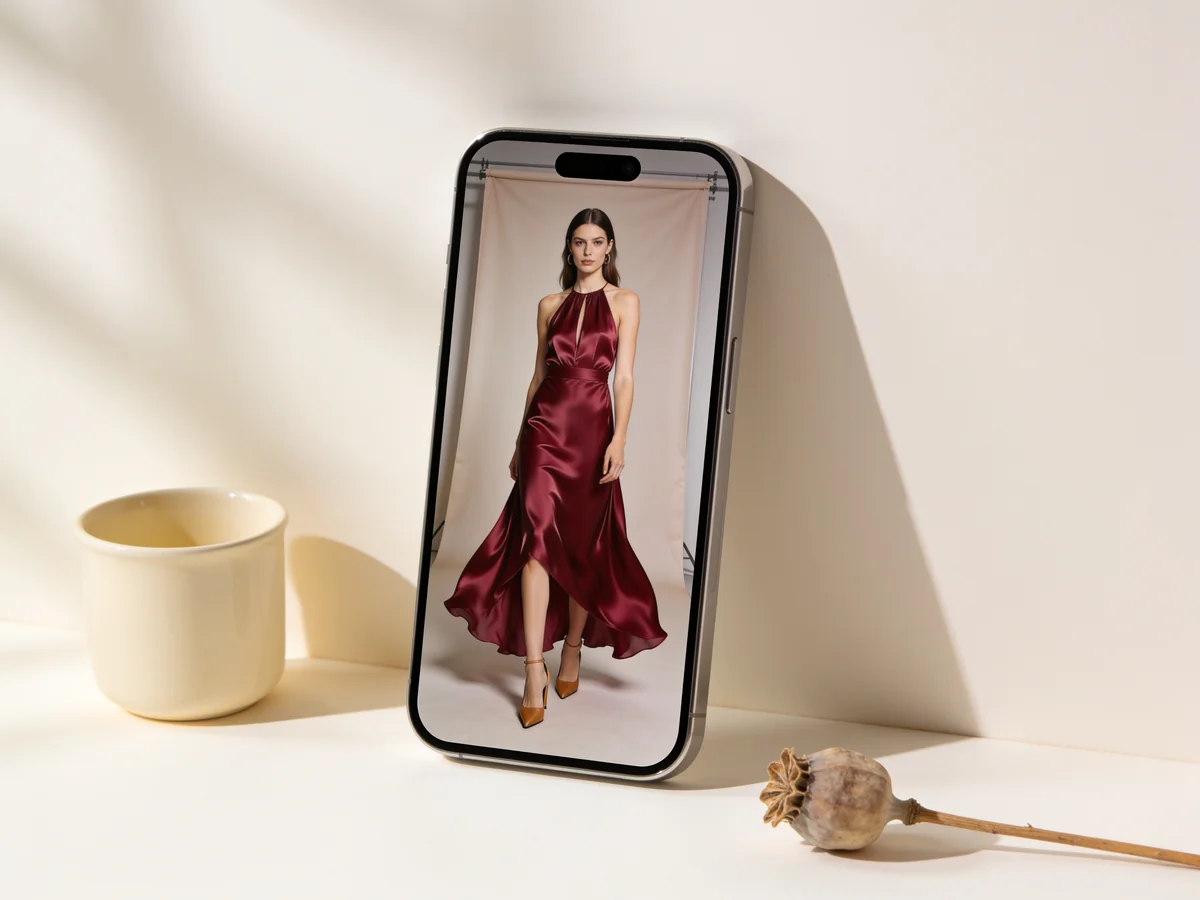
Start by picking up to 3 pieces from your own wardrobe. Then describe the scene, the setting, the vibe, or the occasion in your own words, and Freestyle Mode generates a styled visual of those exact clothes in that context.
It is not about inventing an outfit from nothing. It is about taking what you own and placing it inside a world you choose, a rooftop dinner, a city afternoon, a late-summer festival, wherever the clothes feel most alive.
The result is a visual story built around your actual pieces, which makes it useful for planning real outfits, exploring how a look would read in a specific setting, or creating content around what you already own.
Why it helps
The gap between owning a piece and knowing when or how to wear it is real. Freestyle Mode bridges that gap by letting you place your own clothes into a specific scene before you commit to wearing them. You pick up to 3 items, describe where you are going and what feeling you want to carry, and the AI renders those pieces inside that visual world.
This matters most when you have a strong piece but no clear context for it. A structured blazer you bought for a reason you cannot quite name. A bold coat that felt right in the store and uncertain at home. Freestyle Mode lets you test these scenarios without getting dressed, without mirrors, without guesswork. You see the clothes where they belong.
The process of writing the scene also clarifies your own thinking. Articulating "cool gallery opening, late afternoon, a bit edgy" is different from just staring at your wardrobe. That specificity, forced by the prompt, often surfaces combinations you would not have reached for on your own.
How it works
Add your clothes
Pick up to 3 pieces from your own wardrobe to style.
Set the scene
Describe the mood, setting, or occasion in your own words.
Generate the visual
AI creates a styled image of your clothes in that scene.
What you can do
- See how your own clothes look in a specific setting or occasion
- Test a bold piece before committing to wearing it
- Create content around outfits you actually own
- Explore different moods and scenes with the same wardrobe pieces
Tips for best results
- 1Choose pieces that feel related but that you have not worn together yet. Freestyle Mode is a low-stakes way to test whether they actually work.
- 2Be specific about the scene. "Brooklyn rooftop, late September, creative crowd" gives the AI far more to work with than "casual outdoor event."
- 3Try the same 3 pieces in two different scene descriptions and compare the results. The scene changes everything about how the clothes read.
- 4Save the visuals you like alongside a note about which pieces you used, so you can return to those combinations when getting dressed for similar occasions.
Frequently asked questions
How does Freestyle Mode work?
You pick up to 3 pieces from your own wardrobe, then describe the scene, setting, or mood you want in your own words. Klodsy turns those clothes into a styled visual, set right in the scene you described.
What kind of scene can I describe?
Anything you can imagine: a city street, a studio shoot, a beach evening, a brunch at a cafe, or just a mood. You set the scene, and Klodsy places your clothes in that atmosphere.
Can I try the same pieces in different scenes?
Yes. You can run the same 3 pieces with different scene descriptions and compare the results. The scene completely changes how the clothes read.
How should I describe the scene for the best result?
Be clear about the setting, the light, and the mood: something like "a city street at sunset" or "a clean studio with soft light." The more specific you are, the closer the result is to what you pictured.
What is the difference between Freestyle Mode and the AI Outfit Maker?
The AI Outfit Maker turns your pieces into coordinated outfits; Freestyle Mode takes those pieces and turns them into a visual story inside a scene and atmosphere you choose. One builds the outfit, the other gives it a world.
Can I save and share the visuals I create?
Yes. You can save the visuals you like, open them again later, or share them on social media.
Is it useful for creating social media content?
Definitely. You can create share-ready visuals that show your own clothes in different scenes, without a photoshoot.
Who is Freestyle Mode for, and when is it useful?
For anyone who wants to experiment creatively, see the pieces they own in different settings, or create content. It helps when you are wondering how and where you would wear a piece.
Explore more features
Your wardrobe, smarter.
Download Klodsy free on iOS and Android.