What it does
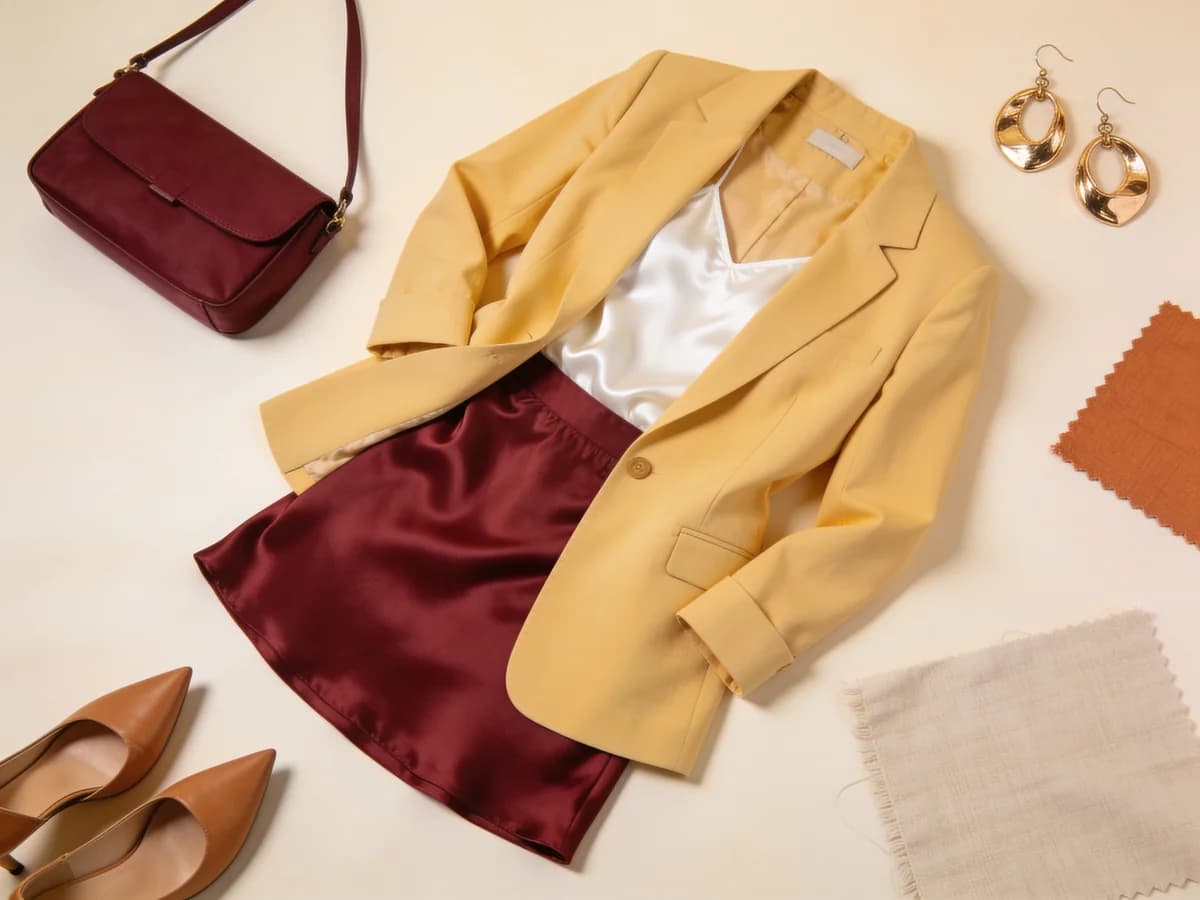
Drag, arrange, layer, and resize clothing pieces on a creative canvas to build the perfect outfit moodboard with full creative control.
It is the hands-on way to style, mixing pieces visually until the look feels exactly right.
Stylist Canvas is particularly useful when you are working through a transition, like shifting your style for a new job, a season change, or rebuilding a wardrobe from scratch. Seeing pieces together on a canvas, rather than just imagining combinations, makes the direction easier to commit to.
Why it helps
There is a specific type of styling work that automation cannot fully replace: the deliberate, hands-on process of placing pieces exactly where you want them and adjusting until the composition feels right. The Stylist Canvas is built for that mode. It gives you a blank space and full manual control, which is most valuable when the goal is not just a functional outfit but a specific visual statement.
For wardrobe transitions, the canvas serves a different purpose than the AI Outfit Maker. It is not about generating options quickly; it is about working through a single direction carefully. When you are deciding what your style should look like for the next year, or what to pack for an important trip, or how to dress for a new professional context, the slow, considered process of building a board teaches you something that a generated suggestion cannot.
The board format also makes communication easier. If you are coordinating outfits with others for an event, asking for a second opinion, or working with a stylist, a visual board removes ambiguity. A finished canvas says exactly what you mean in a way that words describing a look rarely do.
How it works
Pull in pieces
Drop clothing items onto your canvas.
Arrange and layer
Drag, resize, and stack until it clicks.
Save your board
Keep your style boards for inspiration or planning.
What you can do
- Build outfit moodboards visually
- Plan looks for an event or trip
- Experiment with proportion and layering
- Create style boards to revisit later
Tips for best results
- 1Start with the anchor piece, the item you are most committed to wearing, and build the canvas around it rather than adding pieces randomly.
- 2Use the layering function to test proportion by stacking items the way they would actually be worn, rather than placing them all side by side.
- 3Build a dedicated board for each upcoming event or trip so you can revisit and refine it as the date approaches without losing earlier versions.
- 4Export your finished canvas and share it before a group event so everyone can see the overall aesthetic and coordinate without last-minute clashes.
Frequently asked questions
What is the Stylist Canvas and what is it for?
The Stylist Canvas is where you freely arrange clothing pieces on a canvas to build your own outfit collages. You drag, layer, and combine pieces however you like.
How do I arrange clothes on the canvas?
You drag pieces onto the canvas, layer them, resize them, and set up the composition you want. It is fully in your control, a hands-on outfit board you design yourself.
Does it work with my own clothes?
Yes. You can add pieces from your own wardrobe to the canvas and build outfit collages with them. So the boards you design are made from clothes you actually own.
Can I save the outfit boards I create?
Yes. You can save the canvases you design, keep them as inspiration, or come back to them later for planning.
What is the difference between the Stylist Canvas and the AI Outfit Maker?
The AI Outfit Maker matches your pieces into outfits for you; the Stylist Canvas puts you fully in control. You drag and layer the pieces yourself to design the outfit by hand.
Can I drag, layer, and resize pieces?
Yes. You can freely drag pieces, layer them on top of each other, and resize them. You can move everything around until the outfit sits exactly how you want.
Is it useful for planning outfits for an event or a trip?
Definitely. You can set up your outfit ahead of an event, or plan your daily looks for a trip as boards.
Can I share the canvas I create with the community?
Yes. You can share the outfit boards you design with the community, get likes, and inspire others.
Who is the Stylist Canvas for?
It suits people who like designing outfits by hand, those who want to experiment with proportion and layering, or anyone planning ahead for an event.
How many pieces can I use on the canvas?
You can add as many pieces as you can fit on the canvas; there is no limit, it is entirely up to you. You can layer as many pieces as you like and bring them together on a single outfit board.
Explore more features
Your wardrobe, smarter.
Download Klodsy free on iOS and Android.